

Article summary
Discover 15 proven methods to collect user feedback directly within your app. Real examples from successful SaaS companies.
Table of contents
This guide explains in-app feedback with practical steps, tradeoffs, and examples. The strongest research practice starts with a specific decision, collects evidence from the right participants, and records limitations before drawing conclusions.
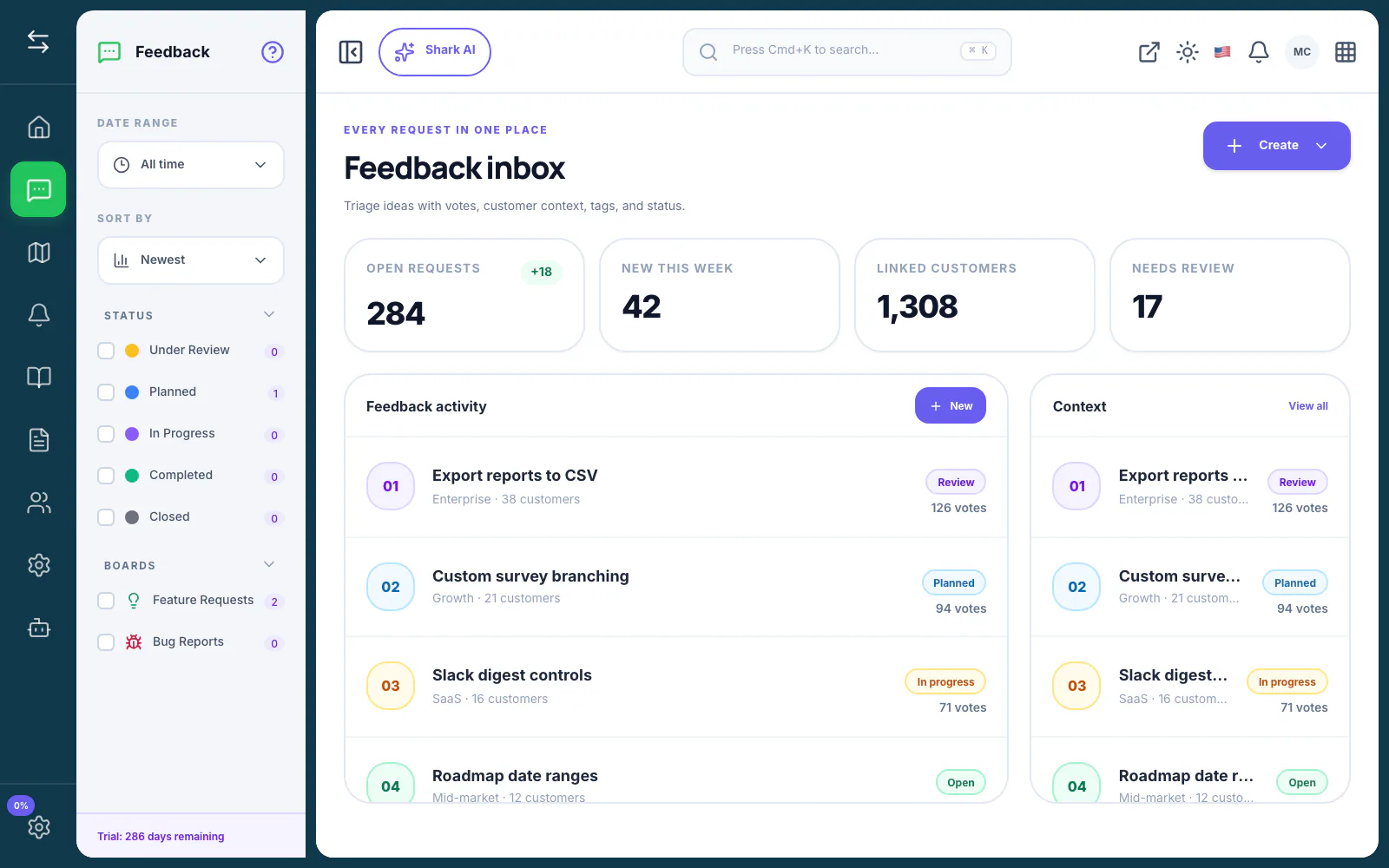
What Is In-App Feedback?
Useful product research begins with a decision and a clear research question. It combines appropriate participants and methods, records limitations, and turns observations into evidence rather than pretending a small sample represents every customer.
For in-app feedback, the right implementation depends on your team size, customer mix, decision cadence, and existing tools. Use the guidance below as a decision framework rather than a universal formula.
How to Apply In-App Feedback
- Frame the question: Define what the team needs to learn and the decision that follows.
- Recruit deliberately: Choose participants whose experience matches the question.
- Use the right method: Select interviews, surveys, observation, or behavioral data based on the evidence needed.
- Separate evidence from interpretation: Record what participants did or said before drawing conclusions.
- Share limitations: Document sample gaps, uncertainty, and what should be tested next.
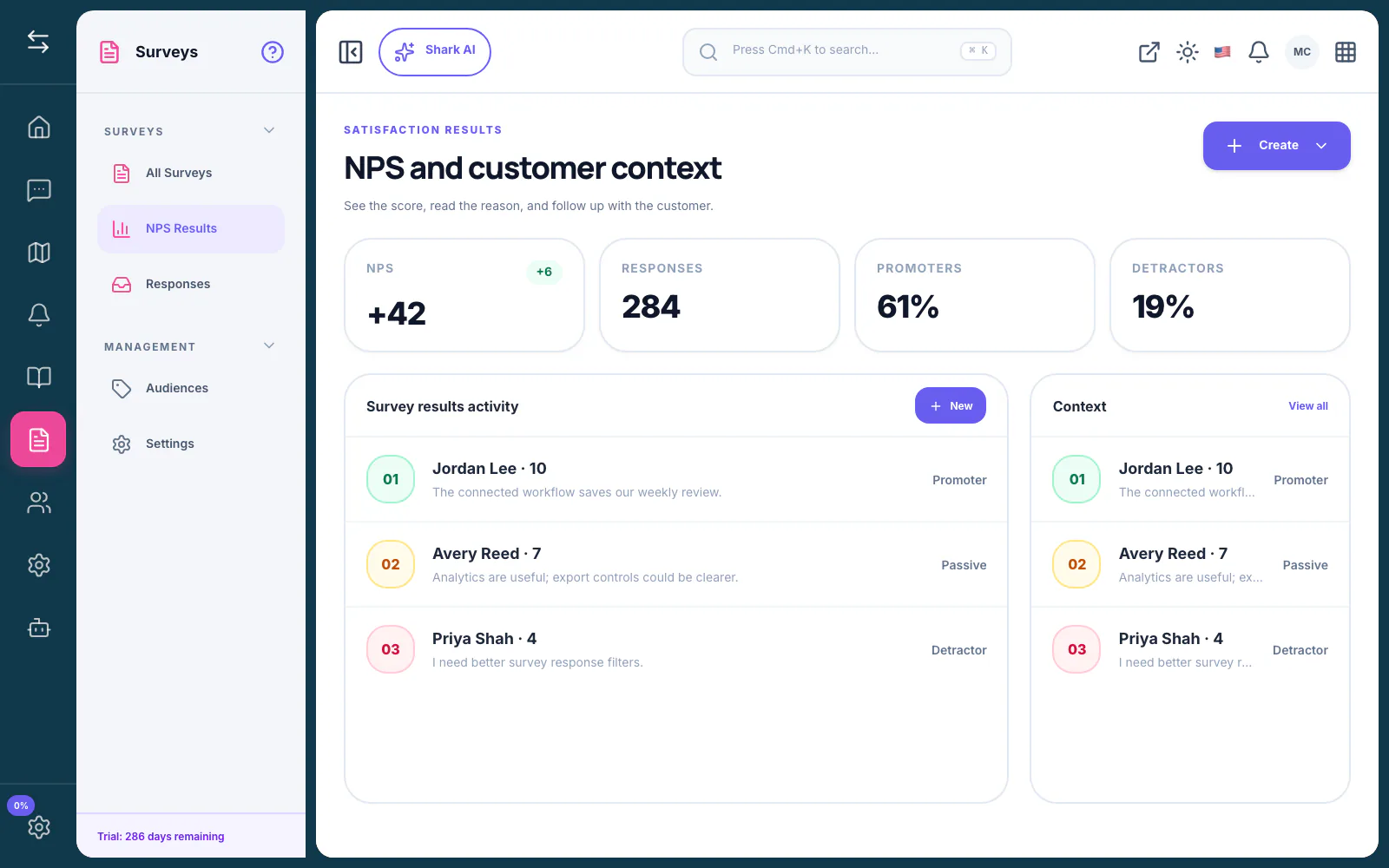
What Should You Measure?
Track whether the practice improves the decision and the follow-through—not whether the team simply produced more activity. Useful measures can include review time, duplicate rate, decision lead time, adoption, support volume, response rate, and the percentage of customers who receive a meaningful update.
Define the baseline and timeframe before changing the process. Segment results where customer type or workflow maturity could change the interpretation.
Decision Checklist
Before adopting or changing this approach, confirm that your team can answer these questions:
- What decision will this support? Name the owner and the action that follows.
- Where does the source context live? Keep the customer, use case, and evidence traceable.
- Which parts are repeatable? Automate stable rules, not ambiguous judgment.
- What requires approval? Define where a person must review, edit, or make a commitment.
- How will you know it works? Choose a baseline, timeframe, and small set of outcome measures.
A lightweight process that the team follows is usually more useful than a sophisticated process that is constantly bypassed. Start with the minimum structure needed to make the next decision better, then add detail when repeated problems justify it.
When This Approach Is the Wrong Fit
Do not add a formal system when the underlying problem is unclear ownership, missing strategy, or a team that does not review the evidence it already has. New tooling cannot replace an explicit decision-maker or a willingness to communicate tradeoffs.
It may also be too early when the workflow happens rarely and manual handling is still fast, visible, and reliable. Document the process first. Add automation after the team can describe the stable steps and exceptions.
Common Mistakes
- Starting with a preferred solution and asking leading questions.
- Recruiting only the easiest customers to reach.
- Treating reported behavior as observed behavior.
- Hiding contradictory evidence to make the findings look cleaner.
Frequently Asked Questions
When should a team start using in-app feedback?
Start when the cost of scattered context, repeated discussion, or manual follow-up is affecting decisions. Begin with one workflow and a clear owner before adding automation.
Should the process be automated?
Automate collection, routing, deduplication, summaries, and drafts where the rules are clear. Keep prioritization, customer commitments, and consequential publishing decisions under human review.
How often should the workflow be reviewed?
Review operational queues weekly and revisit the process itself at least quarterly. Change it sooner when ownership, customer segments, integrations, or company priorities shift.
What is the simplest way to begin?
Choose one high-friction use case, document the current steps, set one success measure, and run the new approach with a small group before expanding it.
Bottom Line
Discover 15 proven methods to collect user feedback directly within your app. Real examples from successful SaaS companies. The strongest implementation is explicit about its decision, preserves source context, and gives the team a repeatable way to review evidence and communicate what happens next.
Related Guides
- 10 SaaS Companies With Amazing Changelogs (And What You Can Learn)
- Public Product Roadmap Examples That Convert Users
- In-App Feedback: Complete Guide to Implementation and Best Practices
- Product Release Notes Examples That Delight Users
Sources and Further Reading
About this article
Written by FeatureShark Team
FeatureShark publishes practical product-management guidance based on the workflows we build for feedback, roadmaps, changelogs, support, surveys, and AI-assisted product operations. We update articles when the underlying guidance changes.
Put the workflow into practice.
Use FeatureShark to connect customer feedback, roadmap evidence, release communication, support, and surveys in one lifecycle.
Start free