

Article summary
Link GitHub commits to feature requests for complete traceability. Setup and automation.
Table of contents
This guide explains github integration with practical steps, tradeoffs, and examples. The integration should reduce copying between systems while keeping the original customer request connected to delivery work.
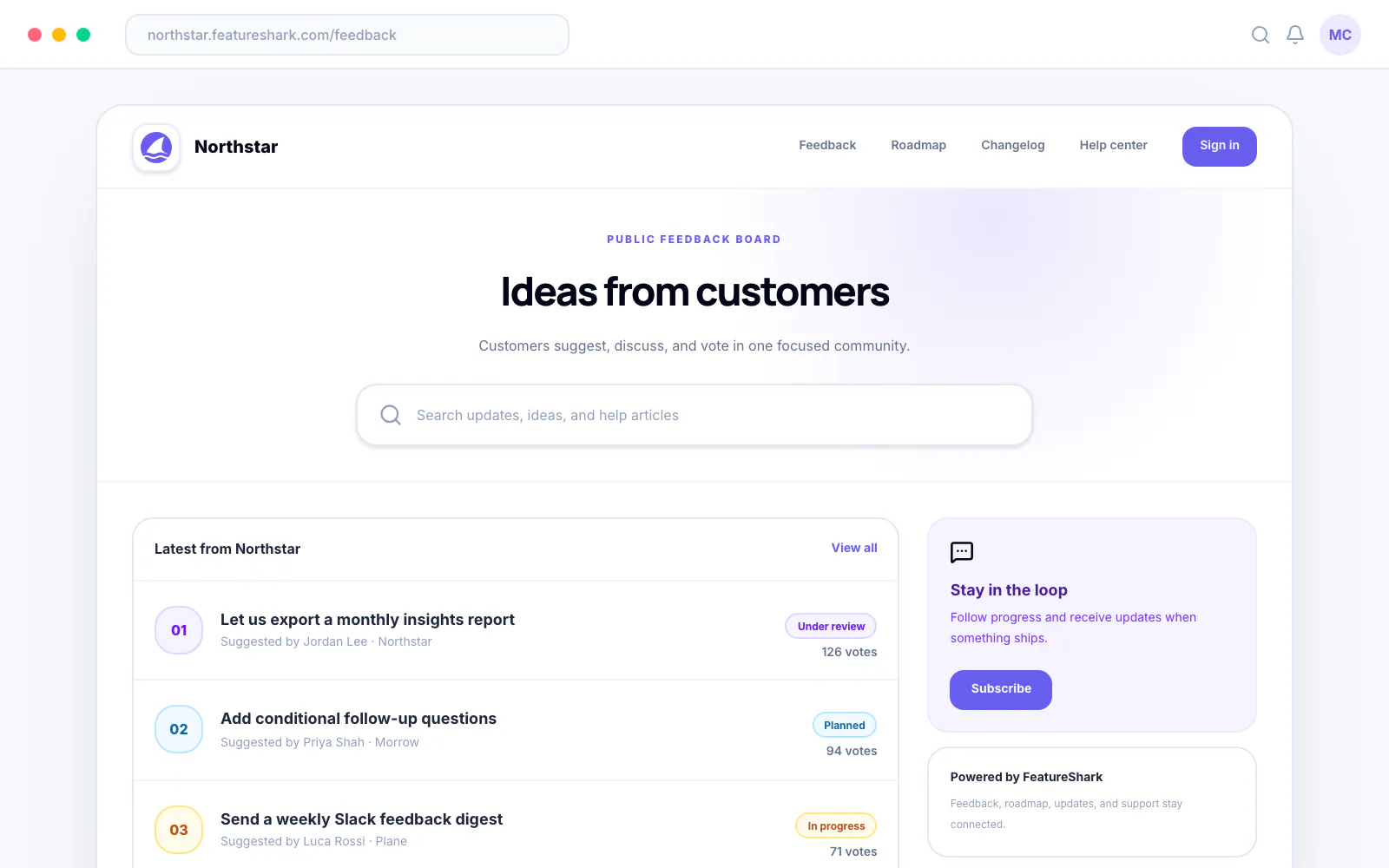
What Is Github Integration?
A useful product integration moves work between systems while preserving the original customer request, ownership, status, and delivery context. It should reduce duplicate entry without hiding why the work exists.
For github integration, the right implementation depends on your team size, customer mix, decision cadence, and existing tools. Use the guidance below as a decision framework rather than a universal formula.
How to Apply Github Integration
- Map the source of truth: Decide which system owns customer context and which owns delivery execution.
- Choose the trigger: Define the event that creates, links, or updates work in the connected tool.
- Map fields deliberately: Transfer only the identifiers, context, owners, and statuses each team needs.
- Add failure handling: Plan for expired credentials, missing permissions, duplicates, and partial syncs.
- Audit the loop: Confirm updates return to the product team and customers when appropriate.
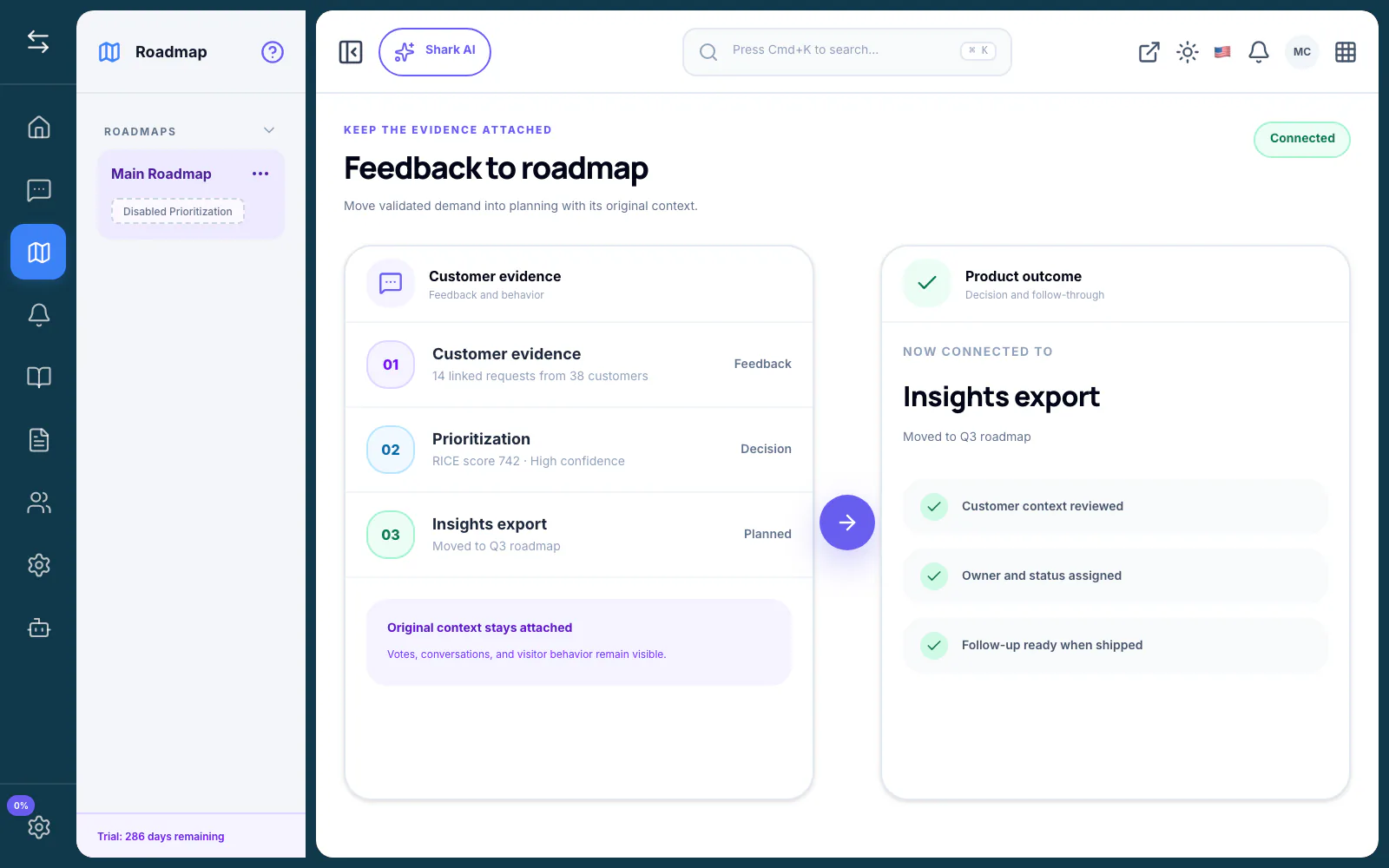
What Should You Measure?
Track whether the practice improves the decision and the follow-through—not whether the team simply produced more activity. Useful measures can include review time, duplicate rate, decision lead time, adoption, support volume, response rate, and the percentage of customers who receive a meaningful update.
Define the baseline and timeframe before changing the process. Segment results where customer type or workflow maturity could change the interpretation.
Decision Checklist
Before adopting or changing this approach, confirm that your team can answer these questions:
- What decision will this support? Name the owner and the action that follows.
- Where does the source context live? Keep the customer, use case, and evidence traceable.
- Which parts are repeatable? Automate stable rules, not ambiguous judgment.
- What requires approval? Define where a person must review, edit, or make a commitment.
- How will you know it works? Choose a baseline, timeframe, and small set of outcome measures.
A lightweight process that the team follows is usually more useful than a sophisticated process that is constantly bypassed. Start with the minimum structure needed to make the next decision better, then add detail when repeated problems justify it.
When This Approach Is the Wrong Fit
Do not add a formal system when the underlying problem is unclear ownership, missing strategy, or a team that does not review the evidence it already has. New tooling cannot replace an explicit decision-maker or a willingness to communicate tradeoffs.
It may also be too early when the workflow happens rarely and manual handling is still fast, visible, and reliable. Document the process first. Add automation after the team can describe the stable steps and exceptions.
Common Mistakes
- Creating issues automatically without a review threshold.
- Copying text while losing the source customer and request URL.
- Running two-way sync without a clear ownership model.
- Failing silently when permissions or field mappings change.
Frequently Asked Questions
When should a team start using github integration?
Start when the cost of scattered context, repeated discussion, or manual follow-up is affecting decisions. Begin with one workflow and a clear owner before adding automation.
Should the process be automated?
Automate collection, routing, deduplication, summaries, and drafts where the rules are clear. Keep prioritization, customer commitments, and consequential publishing decisions under human review.
How often should the workflow be reviewed?
Review operational queues weekly and revisit the process itself at least quarterly. Change it sooner when ownership, customer segments, integrations, or company priorities shift.
What is the simplest way to begin?
Choose one high-friction use case, document the current steps, set one success measure, and run the new approach with a small group before expanding it.
Bottom Line
Link GitHub commits to feature requests for complete traceability. Setup and automation. The strongest implementation is explicit about its decision, preserves source context, and gives the team a repeatable way to review evidence and communicate what happens next.
Related Guides
- Jira Integration for Product Teams: Complete Setup Guide
- How to Integrate Slack with Your Product Feedback System
- How to Say No to Feature Requests Without Losing Customers
- FeatureShark vs Trello: Why a Project Board Can't Replace a Real Feedback Tool in 2026
Sources and Further Reading
About this article
Written by FeatureShark Team
FeatureShark publishes practical product-management guidance based on the workflows we build for feedback, roadmaps, changelogs, support, surveys, and AI-assisted product operations. We update articles when the underlying guidance changes.
Put the workflow into practice.
Use FeatureShark to connect customer feedback, roadmap evidence, release communication, support, and surveys in one lifecycle.
Start free